
How to buy with Oopbuy: from a find to your delivery
A practical walkthrough of the official ordering sequence, with matching interface images and the checks to make before each payment.
The following 11 steps keep the sequence of Oopbuy’s official Tutorial. Images show its 2024 interface, with private fields obscured where needed; some redacted copies are resized renditions. Promotions, prices and example products are not current offers. Use your account’s present controls and terms. Open the official tutorial.
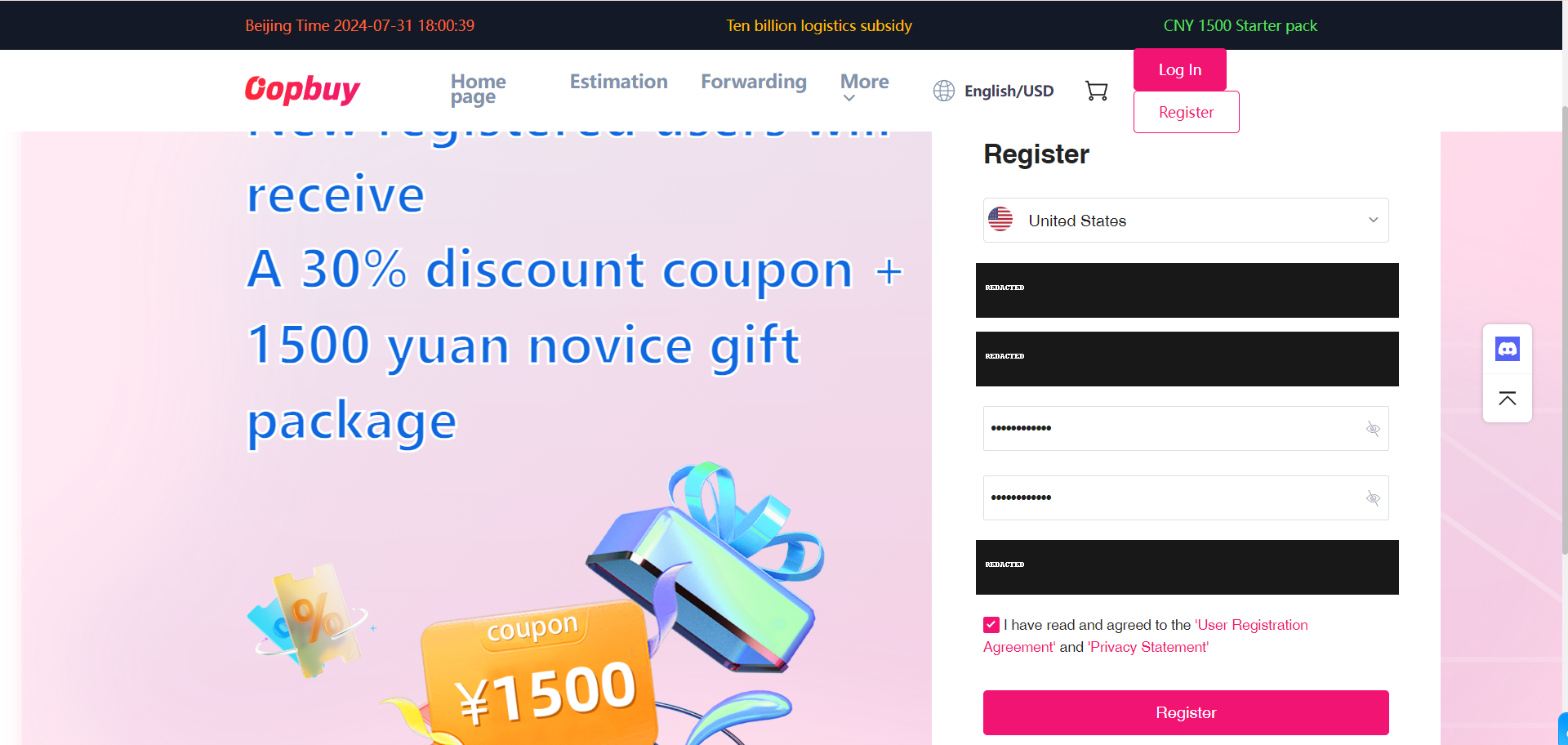
Create your Oopbuy account
Use the Register control on Oopbuy and enter your own account details. Keep the password and any verification code private. This site does not create the account or receive your payment. Save the marketplace listing separately so you can return to the exact seller and variant after signing in.
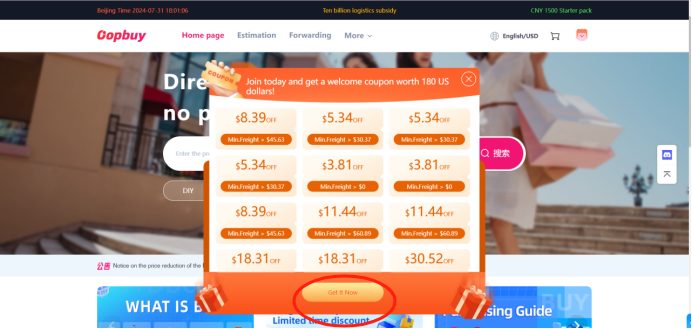
Check available coupons
The official tutorial next shows the coupon claim control. Read the coupon type, minimum spend, expiry and eligible shipping lines before treating it as a saving. Claiming a coupon is not an order, and an advertised bundle is not cash you can withdraw. The offer pictured is an old interface example.
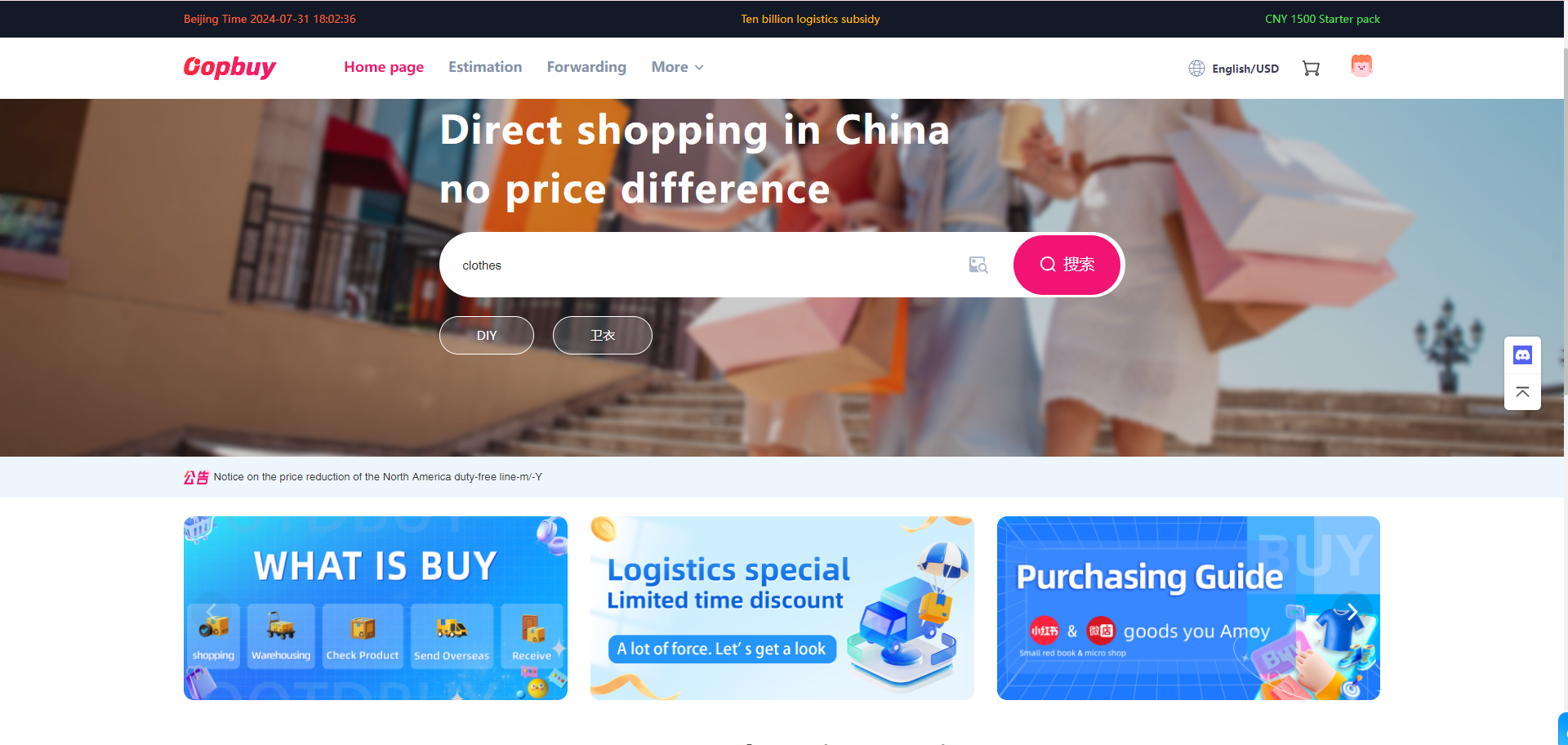
Search or paste the original product link
Open an item from the Spreadsheet, then use its original seller link in Oopbuy search. Confirm that the result is the intended listing, not a similarly photographed item from another shop. If parsing fails, ask support which ordering method applies and whether returns differ before paying.
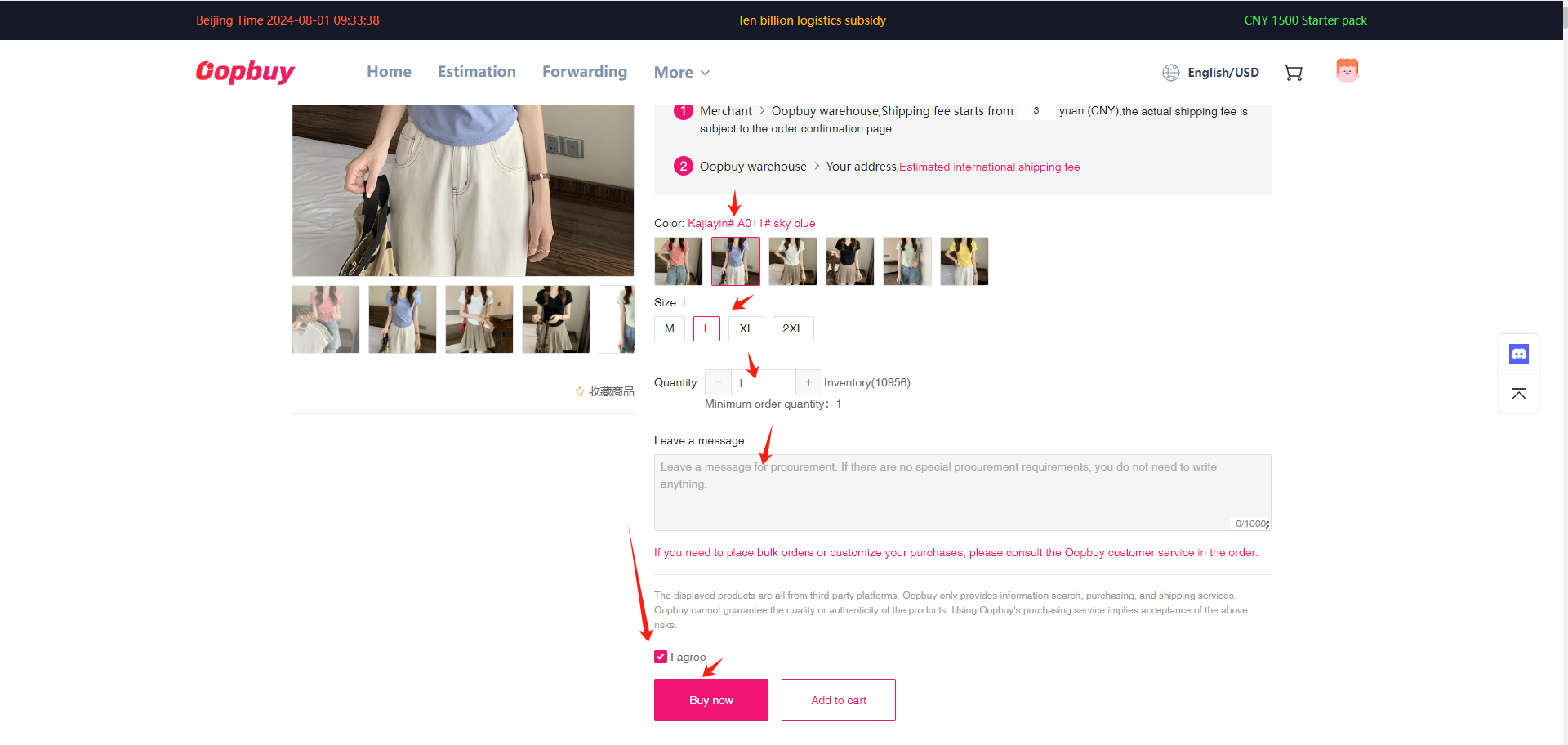
Select style, size and quantity
Choose the exact colour and size after comparing centimetre measurements with a garment or shoe you already own. Read minimum quantity, domestic delivery cost and seller restrictions. A card thumbnail cannot establish stock or quality. Keep a screenshot of the selected variant and any measurement request.
Review the item payment
Check the details requested at checkout and the item subtotal plus domestic freight. Read the amount in CNY and in your display currency for the same basket. This is the purchase stage; international delivery is a later cost. If a supplement appears, find whether it is a stock, price or domestic-freight adjustment before accepting it.
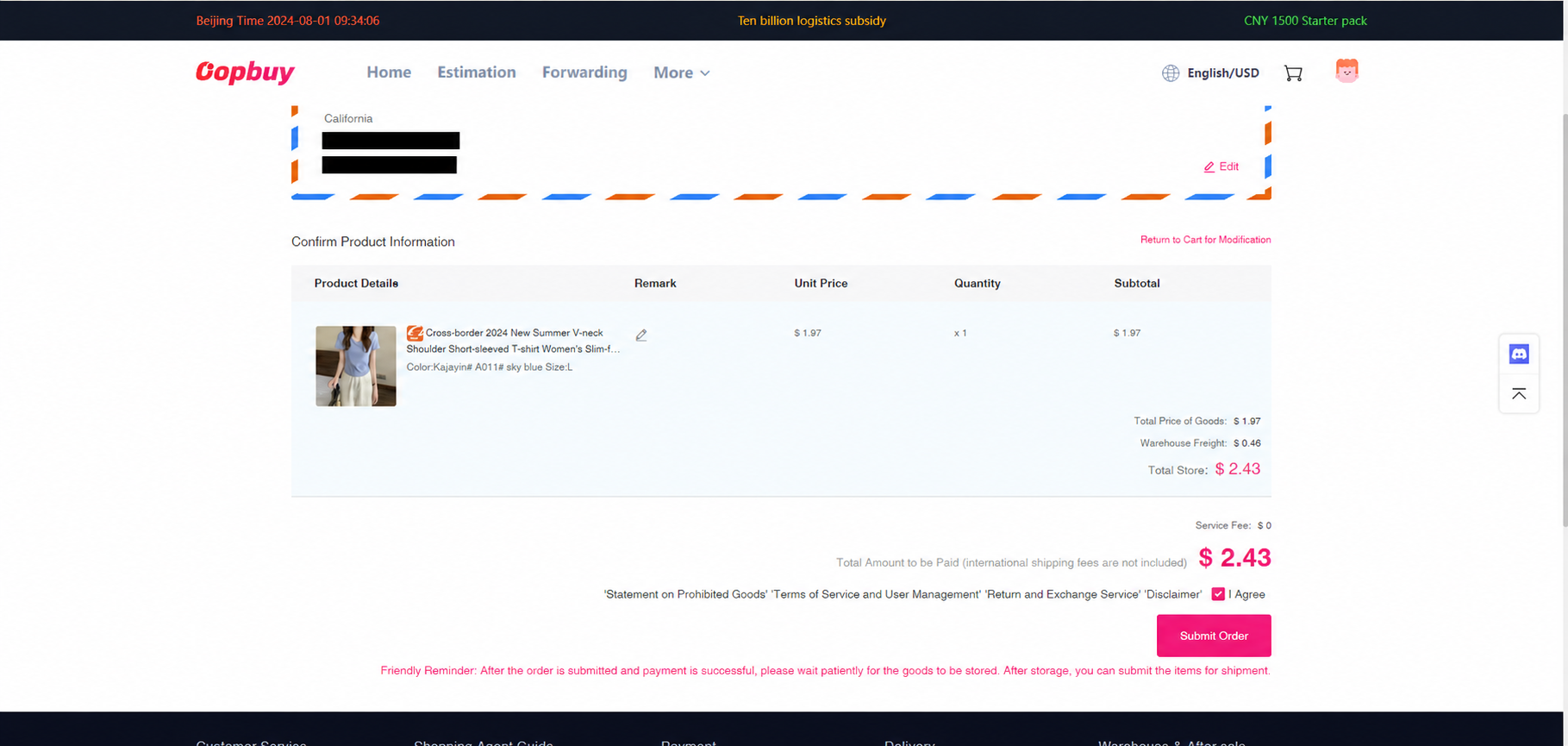
Open the order record
After payment, use View order to follow the purchase. Paid does not mean the seller has shipped or the warehouse has accepted the goods. Use the order conversation for stock problems or changes; record the order identifier privately, and avoid reposting account screenshots containing personal details.
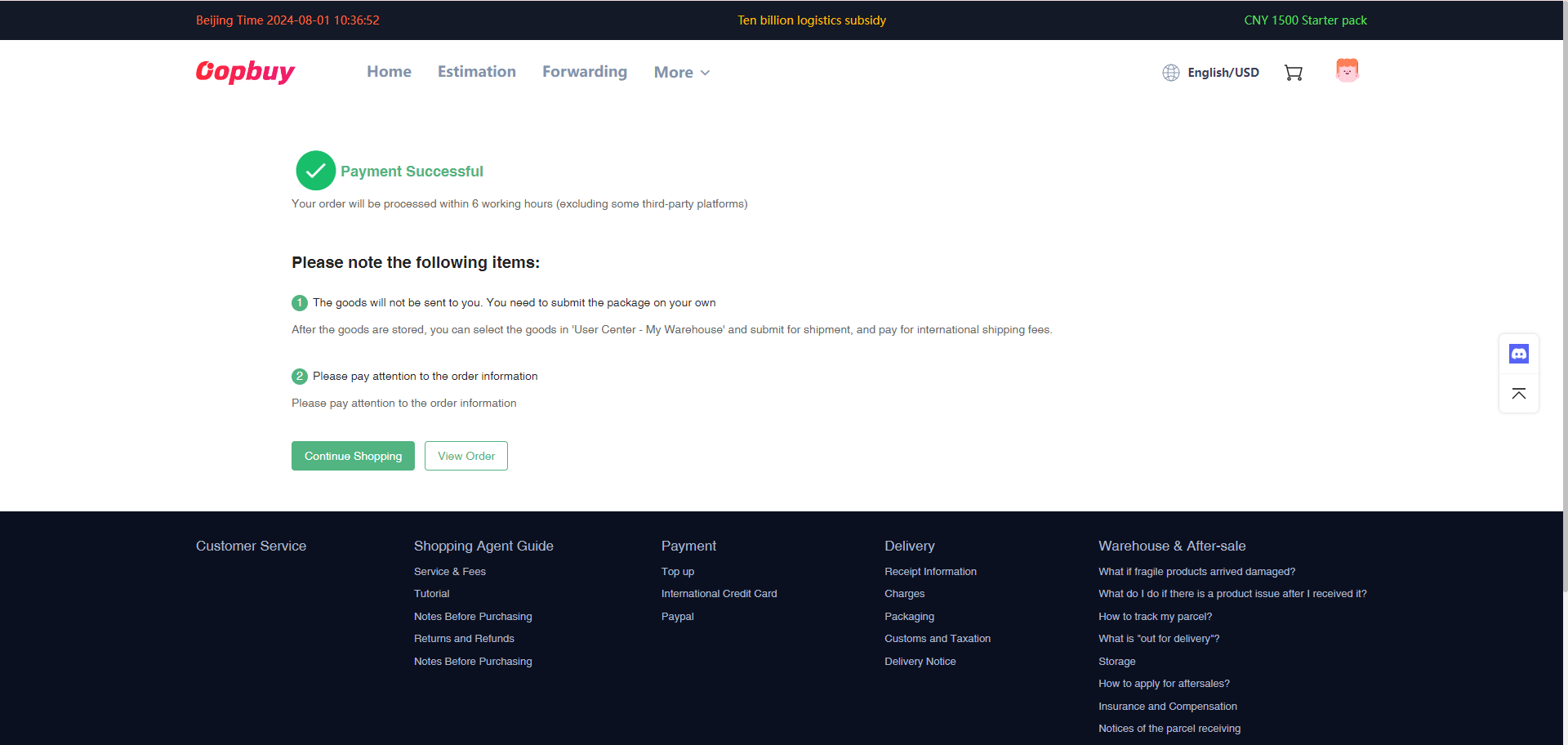
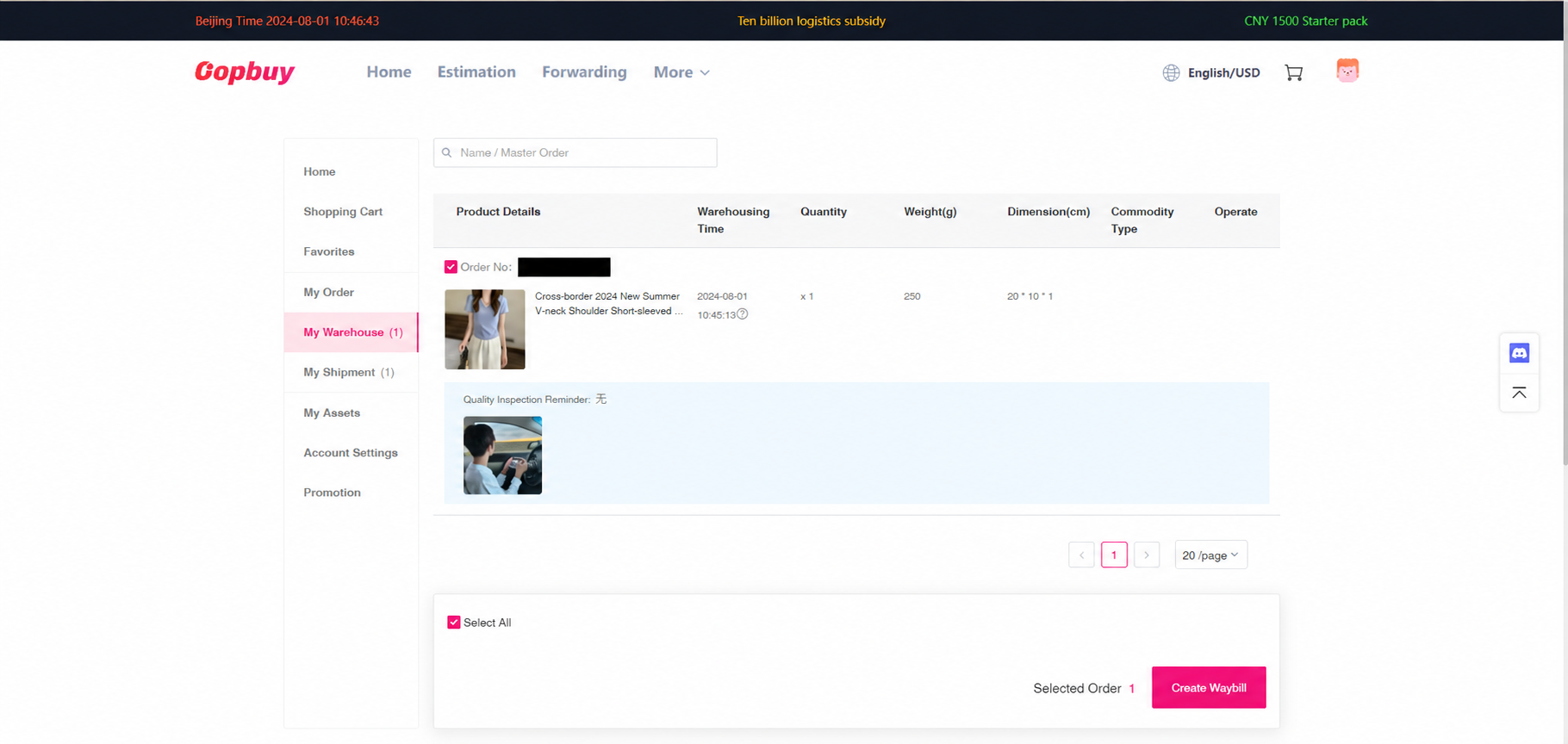
Inspect warehouse items before selecting them
The tutorial moves to My Warehouse after purchasing and arrival. Before Create Waybill, review the actual QC photos, variant and quantities for each item. Request a missing label or measurement photograph while a return can still be discussed. Wait for other intended items only if their arrival fits your return and storage deadlines.
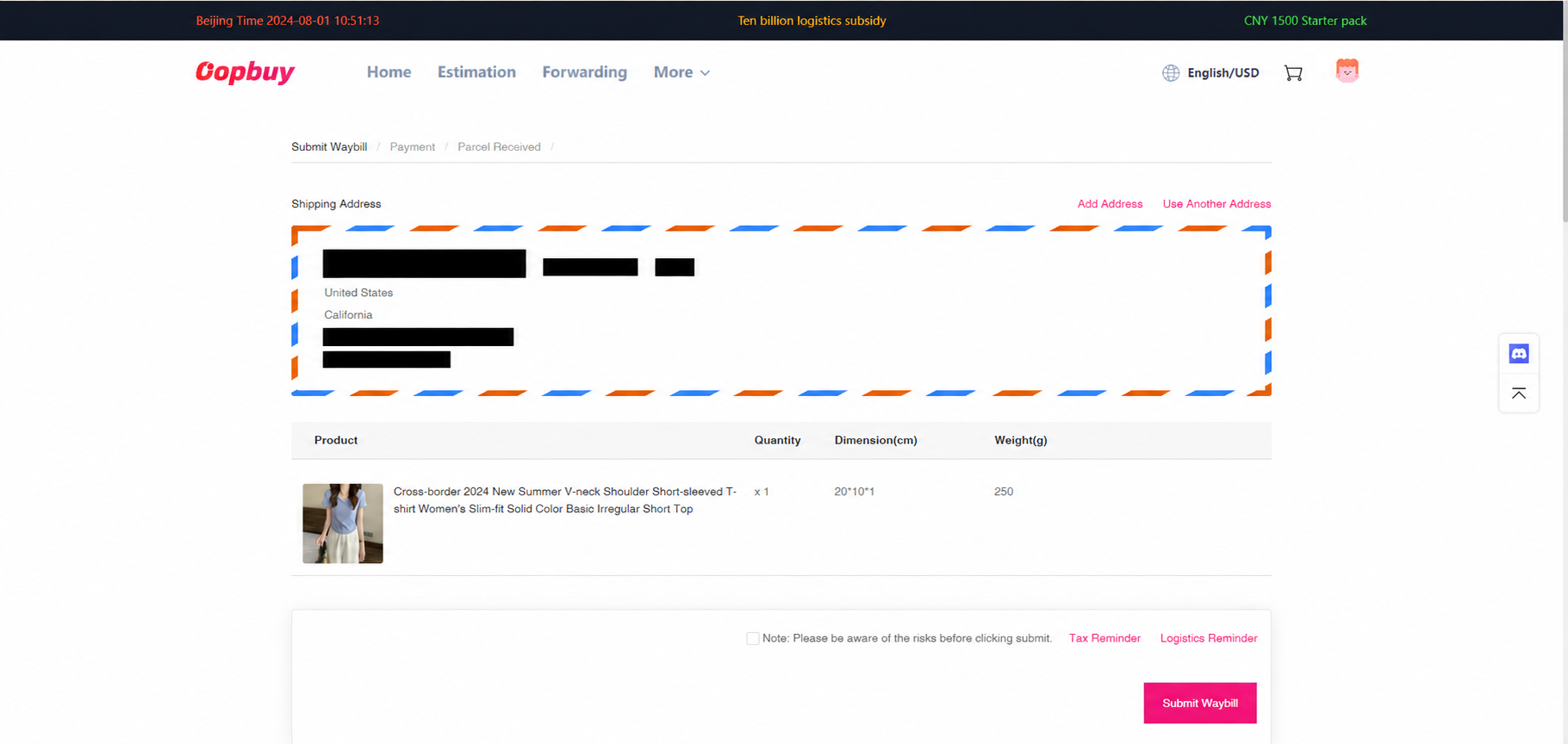
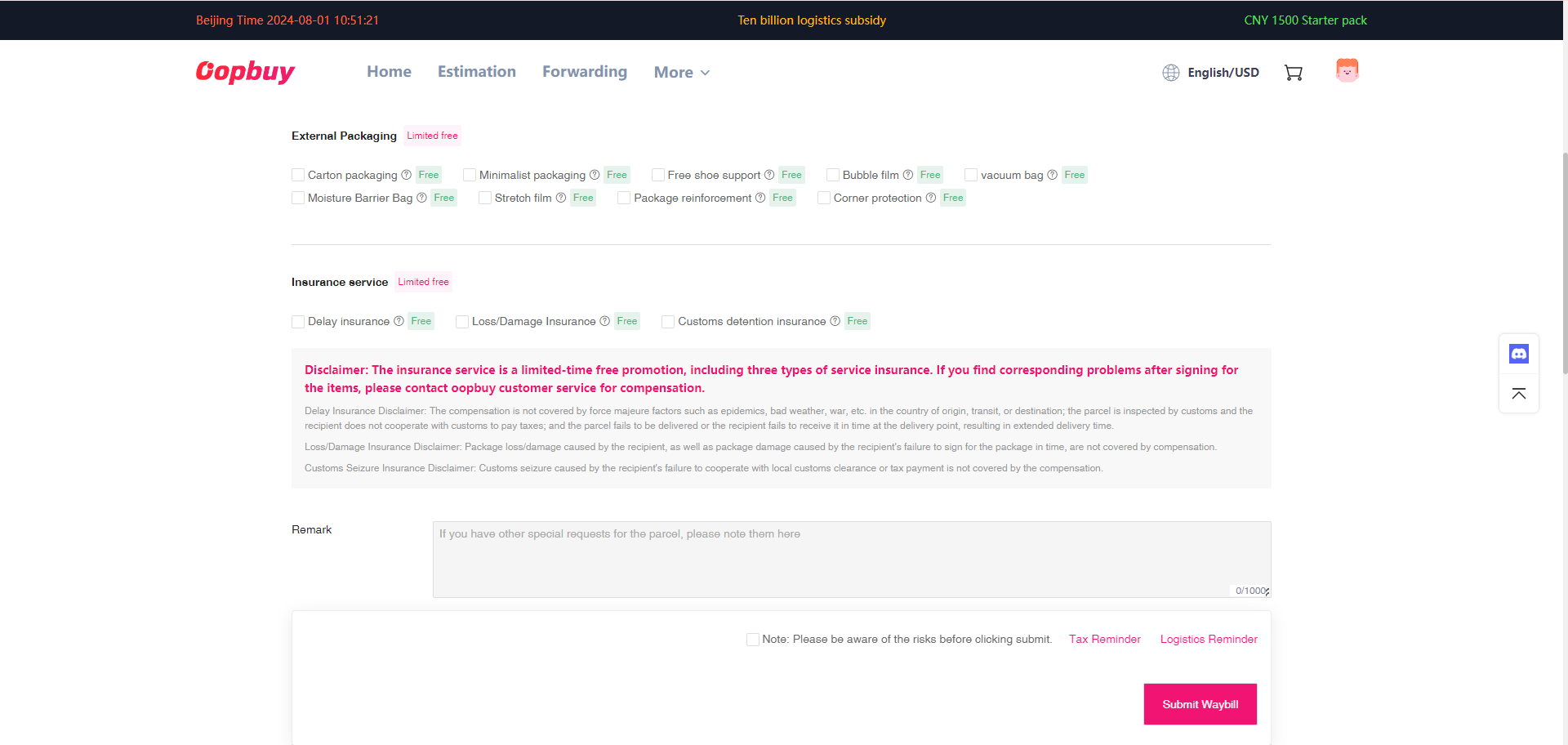
Create the waybill and choose packing
Check recipient name, full address, postcode and reachable phone. Choose a line that accepts every item and destination in the parcel. Decide whether removing boxes, protective packing or insurance serves the goods you are sending. Read exclusions and the packed-weight rules; an insurance checkbox does not cover every possible loss.
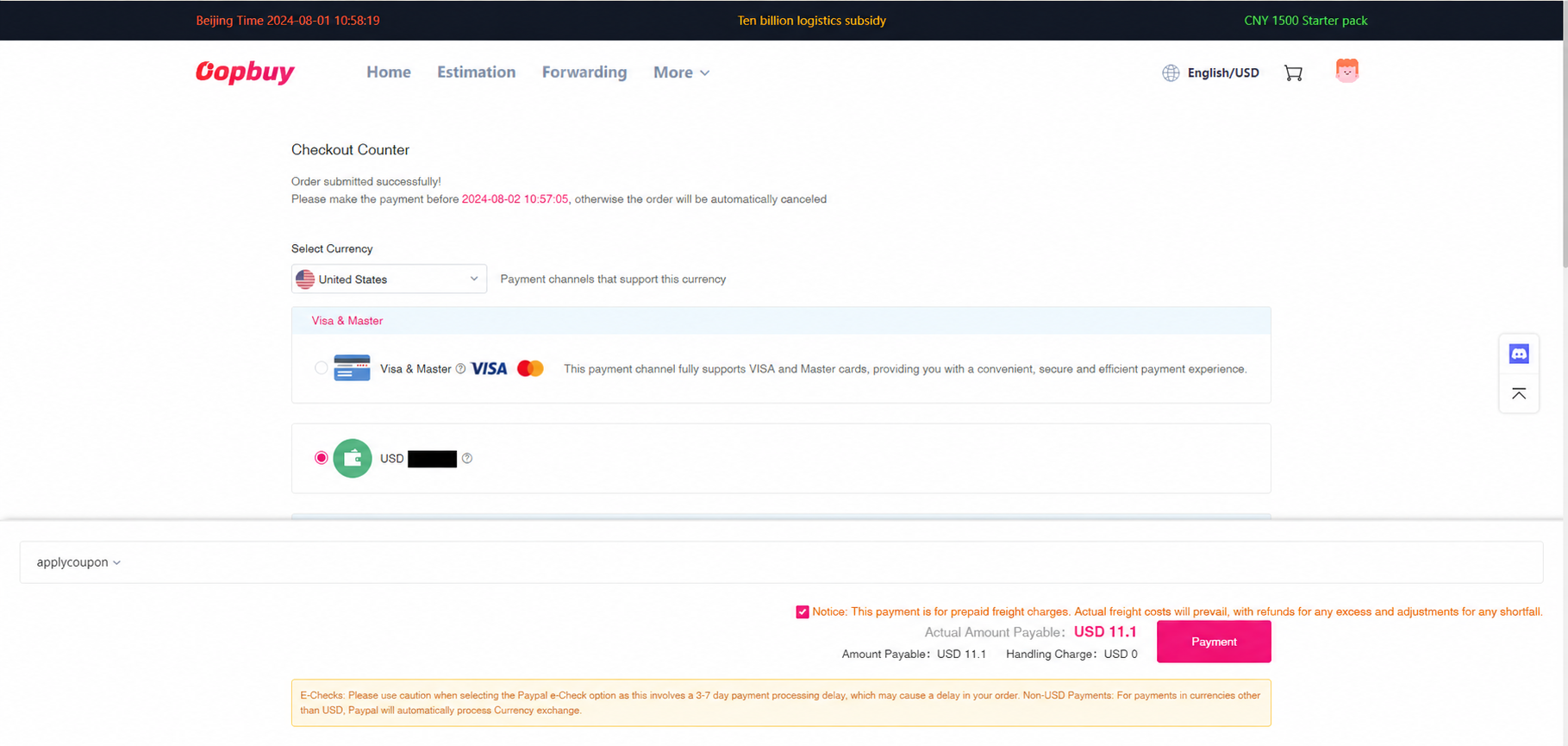
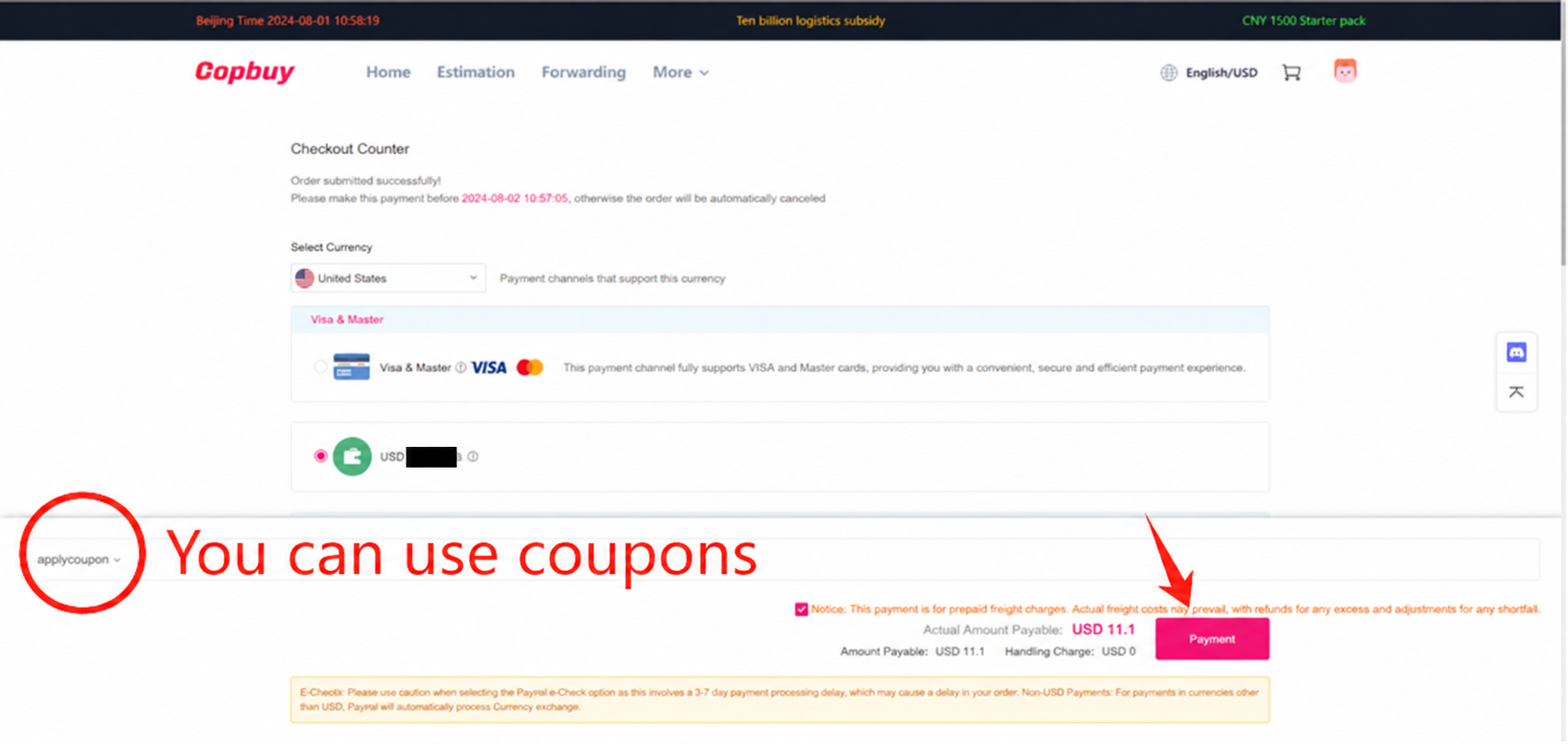
Pay the estimated international freight
The tutorial labels this payment as estimated freight. Apply an eligible coupon only after checking its effect on the actual payable total. Leave room in the budget for the final packing adjustment; a prepayment is not proof that a bulky parcel will be charged at its bare item weight.
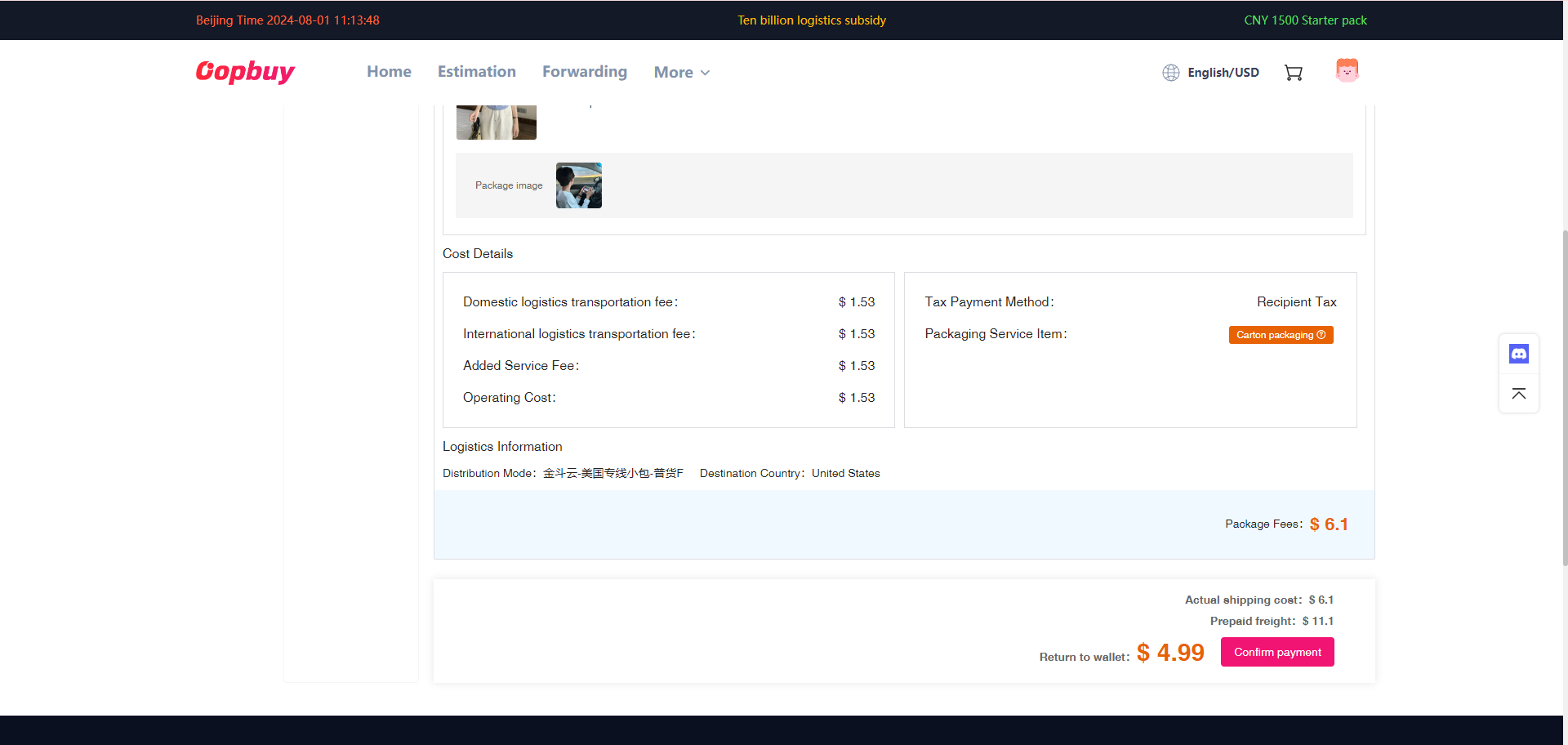
Review the packed-parcel adjustment
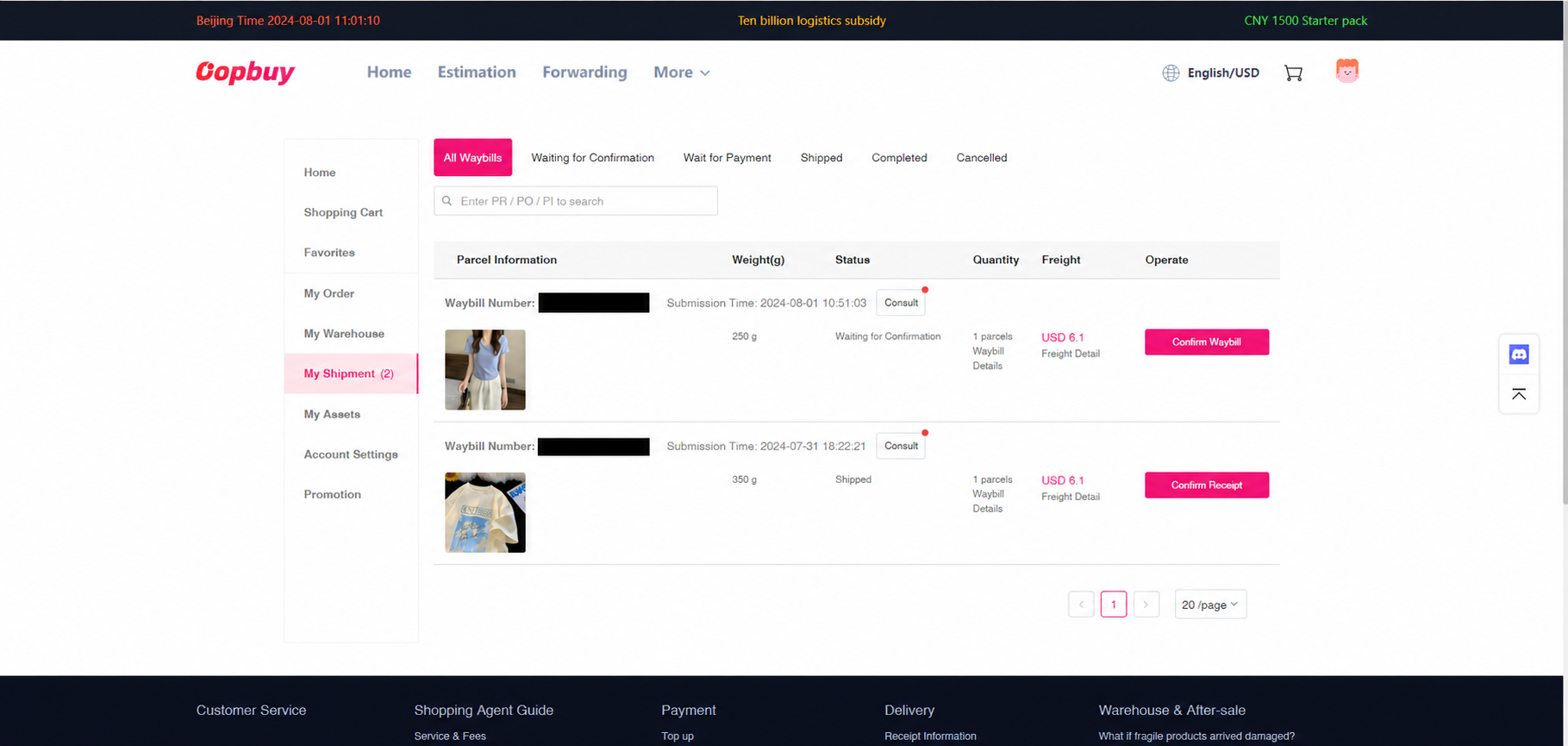
Once packing is complete, inspect My Shipments for final weight, dimensions, route and amount. The official process describes paying a shortfall or crediting excess prepaid freight back to the account. Check that adjustment separately from the original item bill and any bank or funding fee.
Track delivery and check the parcel
Use the shipment tracking record after dispatch. A label being created can precede the first carrier scan. At delivery, retain the packaging and record visible damage or missing contents before disposing of anything. Contact the appropriate order or parcel support with evidence promptly; the applicable claim window depends on the service and issue.
Before you close the guide
Keep three separate records: the seller listing and selected variant, the item payment, and the international parcel bill. They answer different problems. A quality dispute starts with the listing and QC evidence; a freight question starts with the packed dimensions and route.
Read the QC and parcel checks · Build a complete budget · Find the right support route